How to Record Professional Voiceovers at Home
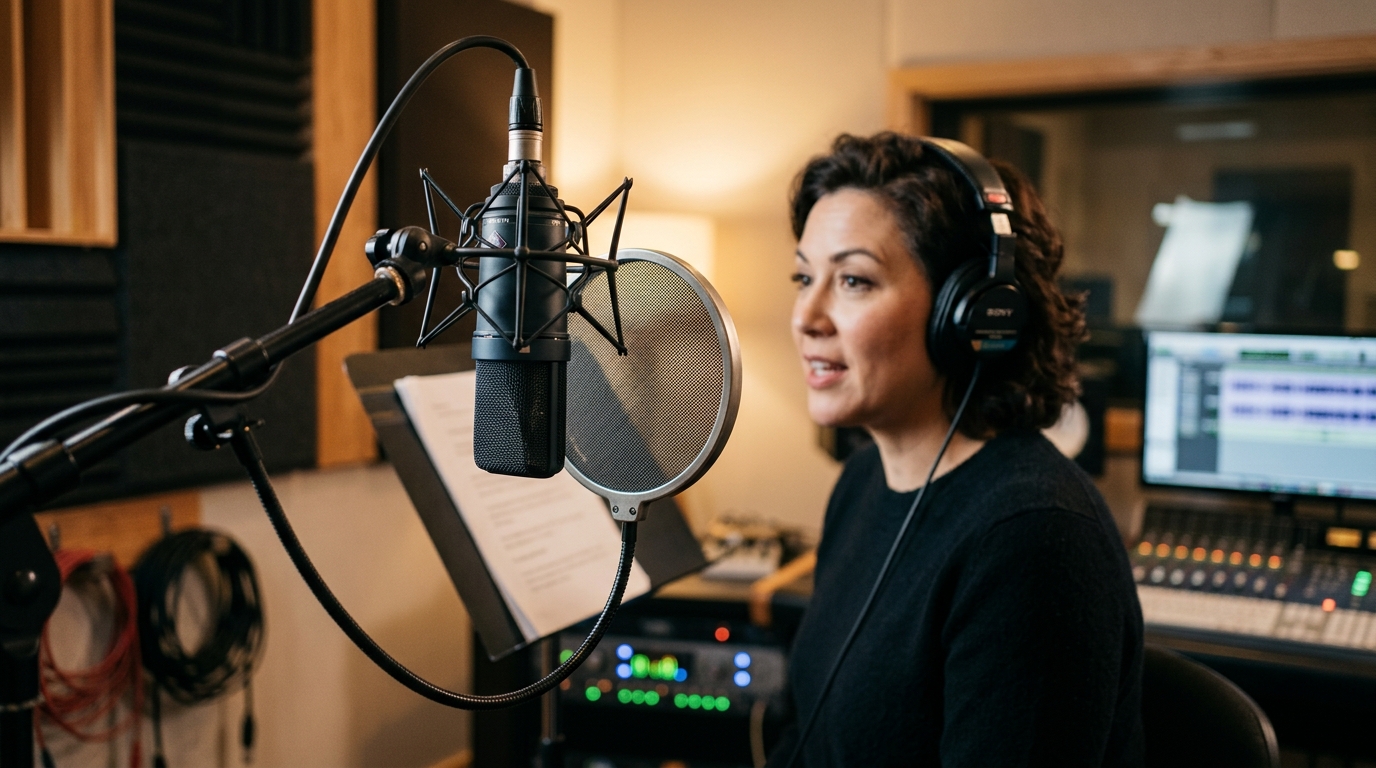
Voiceover work has exploded in demand, powering everything from commercials and audiobooks to e-learning and video narration. The good news is that a broadcast-quality voiceover setup is well within reach of any home creator willing to focus on a few key details.
The Voice Chain
A clean voiceover starts with a simple, reliable signal chain. Each link matters:
- A large-diaphragm condenser or a broadcast dynamic microphone.
- A pop filter to control plosives from p and b sounds.
- A quality audio interface with a clean preamp.
- Closed-back headphones for monitoring your performance.
Control Your Environment
Background noise is the enemy of professional voiceover. Record in the quietest room available, turn off fans and air conditioning during takes, and add soft materials to reduce reflections. A closet full of clothing makes a surprisingly effective vocal booth.
Microphone Technique
Consistent distance and angle keep your tone even. Position yourself roughly a hand-span from the mic, speak slightly across it rather than straight into it, and maintain the same posture throughout a session for uniform sound.
Perform, Do Not Just Read
Great voiceover is about connection and clarity. Warm up your voice, mark your script for emphasis and breaths, and speak to an imagined listener. Record multiple takes so you have options when editing.
Light Processing
In post, a little goes a long way. Remove breaths and clicks, apply gentle EQ to reduce boominess, add light compression for consistency, and finish with subtle de-essing if needed.
Conclusion
With a quiet space, solid technique, and restrained editing, your home voiceovers can rival professional studios. AleXavior Studios offers coaching and post-production support if you want to take your narration work to the next level.
Comments (0)
Leave a Comment
No comments yet. Be the first to comment!