Top 7 Reasons Your DI Track Sounds Thin and Noisy
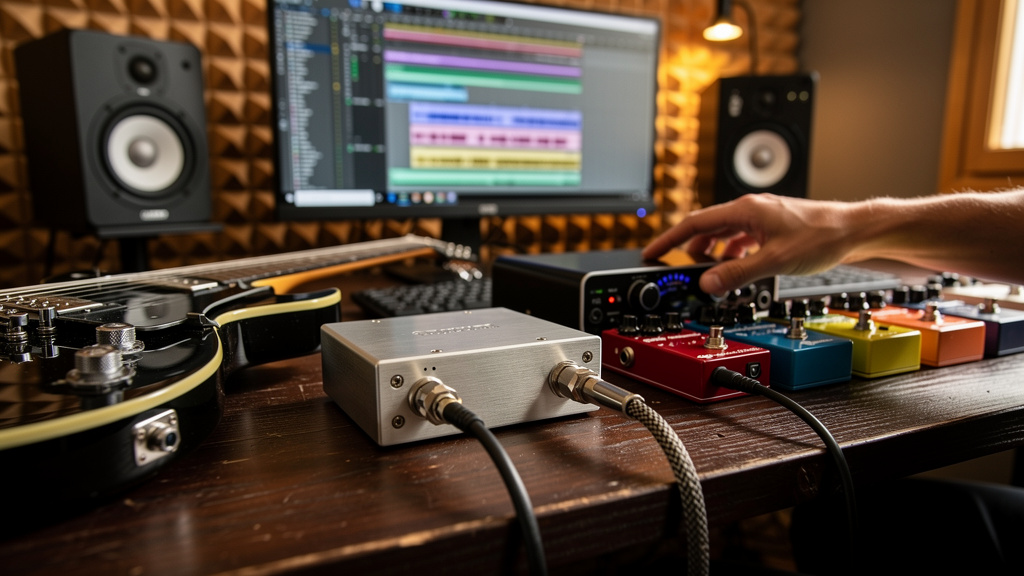
You plug in, arm the track, play a part that feels solid in the room, and then hear it back wondering where the weight went. The DI track is smaller than the instrument in your hands, noisier than it should be, and somehow harder to reamp or mix than a mic’d amp track. That frustration is real because DI problems rarely announce themselves as one obvious fault. They show up as thinness, brittle pick attack, weak low end, extra hiss, or a strange “flat” feel that makes performance and tone both seem worse than they are.
The good news is that a disappointing DI track usually points to a handful of specific issues. Not magic. Not “bad converters.” Usually just one or two parts of the path working against the instrument.
1. Your input impedance is loading the pickups
This is one of the biggest reasons a passive guitar or bass sounds dull, small, or oddly papery when recorded direct. Pickups want to see a high-impedance input. If the instrument is hitting an input that is technically accepting signal but not presenting the right load, the top end changes, the transient shape changes, and the low-mid body can seem to collapse.
This is why plugging straight into a random line input through an adapter so often sounds disappointing. The signal may be loud enough, but loud enough is not the same as electrically happy. A proper instrument input or a DI feeding the right mic pre keeps the pickups from being dragged down.
Passive instruments are especially sensitive here. Active basses and guitars have a buffer onboard, so they tend to tolerate more abuse, but even then, the wrong destination can leave the track feeling less alive than it should.
If your DI tracks consistently feel like they need rescuing with EQ before they even hit an amp sim, impedance is one of the first things worth questioning.
2. You’re using the wrong input type and compensating with gain
A lot of thin, noisy DI recordings come from using the wrong socket, then turning knobs until the meter looks usable. That can get signal into the DAW, but it often builds two problems at once: tonal mismatch and noise.
Here’s the common trap:
- The instrument goes into a line input, combo jack, patchbay, or adapter path not meant for pickups.
- The level arrives weaker than expected.
- You add gain later in the interface, preamp, plugin, or amp sim.
- The track gets brighter in the wrong places, noisier in the tails, and less solid under the fingers.
When a player says, “It records, but it doesn’t feel right,” this is often what they mean. The chain is making them work harder for less tone. A proper instrument input does not just solve level. It preserves the interaction between player and front end, which is where a lot of perceived size comes from.
3. Your DI box choice doesn’t match the instrument
Not every DI behaves the same way, and this matters more than people admit. A passive DI can be excellent with a hot active bass or a line-level source. Put a passive guitar with modest pickups into the wrong passive DI and the result can feel restrained, especially on the top end and transient attack. Switch to an active DI with a healthy input stage and the instrument suddenly feels more open and easier to place.
That does not mean active is always better. It means matching matters. Transformer character, headroom, and input behavior all change the result before your preamp ever sees the signal.
If you’re troubleshooting a thin DI, ask what the instrument is feeding:
- Interface instrument input
- Active DI into mic pre
- Passive DI into mic pre
- Pedalboard buffer or wireless receiver before the DI
Those are not interchangeable paths. They may all pass audio, but they do not all preserve the same tone, noise floor, or dynamic feel.
4. A pedal or tuner in bypass is quietly degrading the source
This one catches a lot of otherwise careful setups. The player is “recording DI,” but the instrument is still passing through a tuner, wireless, pedalboard patching, an always-on utility pedal, or a power-starved buffer before it reaches the recording path. Sometimes the issue is not dramatic enough to scream failure. It just steals a little low end, adds a little hash, or changes the attack enough that the track never sits naturally.
One weak patch cable or one noisy pedal power output can make the raw DI seem worse than the interface. And because the problem lives before the recording input, swapping plugins never fixes it.
A simple way to think about this is: the cleanest DI is usually the shortest honest path. If the instrument sounds noticeably fuller or quieter when connected directly compared with running through the board “with everything off,” that is useful information. Bypass is not always transparent, and muted does not always mean electrically invisible.
5. You’re recording too conservatively, then boosting noise later
People learn, correctly, that clipping a DI is ugly. Then they get so cautious that the track lands far lower than it needs to. By itself that is not automatically a disaster in a modern system, but it becomes one when a weak source gets amplified later through noisy stages, aggressive amp sims, compressors, or saturation plugins.
What you hear as “the amp sim is hissy” is often the whole chain telling on an underfed DI. The answer is not to record as hot as possible. It is to capture a healthy, stable source that gives later stages enough information to work with.
Watch for these signs:
- Peaks are modest, but average level is extremely low
- Noise blooms between phrases once plugins are active
- Palm mutes feel anemic until you add too much input gain somewhere else
- The track gets spiky before it gets full
That last symptom is especially common. Engineers start pushing the front of an amp sim to recover body, but what comes back first is edge and fizz rather than mass.
6. Ground noise is entering through the instrument path, not the power path
When a DI track has buzz or hash, people often jump straight to wall power theories. Sometimes it is power. Very often it is the instrument path acting like the entry point. Single-coil pickups, bad shielding, dimmer noise, computer displays, cheap USB accessories nearby, and poorly grounded pedalboard supplies can all contaminate the direct signal before it ever meets your interface.
The clue is that the noise changes when the player turns, moves, touches strings, or gets closer to a screen. That is not a converter problem. That is the instrument behaving like a sensor in an electrically messy room.
This is where a lot of forum advice becomes confusing, because people mix up several different kinds of noise under one label. Hum, buzz, hiss, digital hash, and RF contamination each point to different causes. If you want a visual way to sort those apart without chasing random opinions, Kill the Noise is a solid resource for tracing them back to the source.
But even before going deep, one principle helps: if the noise changes with position or touch, treat the instrument and immediate surroundings as suspects first.
7. The “thin DI” is actually a monitoring mistake while tracking
Sometimes the recorded file is better than the decisions being made around it. Latency-compensated monitoring, parallel direct monitoring, polarity confusion in a split path, or hearing the raw DI blended with an amp sim at slightly different times can all make the instrument feel phasey, weak, or strangely scooped while you track.
This matters because players adjust their tone and touch in response. They dig in harder, brighten the instrument, or change pickup selection to fight a problem that is really in the monitoring path. Then the printed DI ends up harsher and less balanced than it needed to be.
If the track sounds different on playback than it did during performance, do not only inspect the recording chain. Inspect what the player was hearing. Monitoring errors can create “tone problems” that are really decision problems.
A clean DI path should feel simple under the hands. If it feels weird, disconnected, or smaller than the instrument in the room, trust that instinct. Start by checking impedance, input type, and anything sitting between the pickups and the recording input. Then question level strategy, environmental noise, and the monitor path. Most bad DI tracks are not mysterious once you stop treating them like a plugin problem.
The practical takeaway is this: before you EQ, reamp, or swap amp sims, get one short direct path working so the raw track already sounds believable. If the source feels full, stable, and quiet on its own, everything downstream gets easier.
Comments (0)
Leave a Comment
No comments yet. Be the first to comment!