Working with MIDI: A Practical Introduction
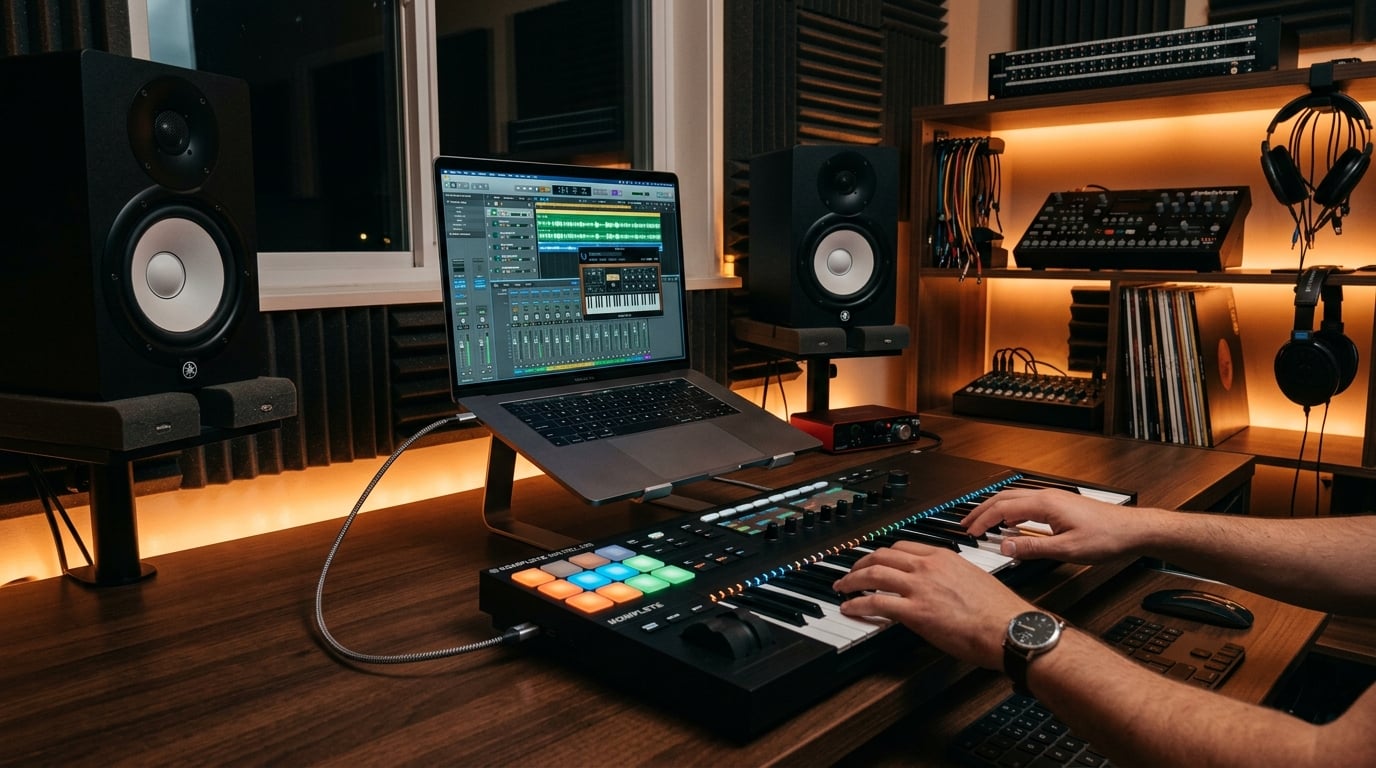
MIDI is the invisible language that powers modern music production. Rather than recording sound, MIDI records performance data — which notes were played, how hard, and for how long. This flexibility makes it one of the most powerful creative tools available to producers.
What MIDI Really Is
MIDI carries no audio at all. Instead it sends instructions to virtual or hardware instruments, telling them what to play. Because it is pure data, you can change instruments, fix wrong notes, and adjust timing long after you record.
The Advantages of MIDI
- Total flexibility: Edit notes, velocity, and timing after recording.
- Instrument swapping: Try a piano part on strings or synth instantly.
- Precise control: Automate parameters like filter cutoff and volume.
- Compact and clean: No audio noise or generational quality loss.
Getting Started
Most producers begin with a MIDI keyboard controller connected to their computer. Playing it triggers virtual instruments inside your DAW. You do not even need a keyboard — notes can be drawn directly into the piano roll with a mouse.
Editing in the Piano Roll
The piano roll is where MIDI comes alive. Here you can:
- Correct pitch by dragging notes up or down.
- Adjust timing manually or with quantization.
- Shape dynamics by editing velocity values.
- Extend or shorten notes for the perfect feel.
Keep the Human Feel
Quantizing every note to a perfect grid can make music feel stiff. Leave small timing and velocity variations, or use light quantization, to preserve the natural groove that makes a performance feel alive.
Conclusion
MIDI opens up endless creative possibilities once you understand its fundamentals. Experiment freely, since nothing is permanent. For deeper training on production workflows, AleXavior Studios is always ready to help you level up.
Comments (0)
Leave a Comment
No comments yet. Be the first to comment!