Top 5 Gain Staging Mistakes That Create Loud Hiss
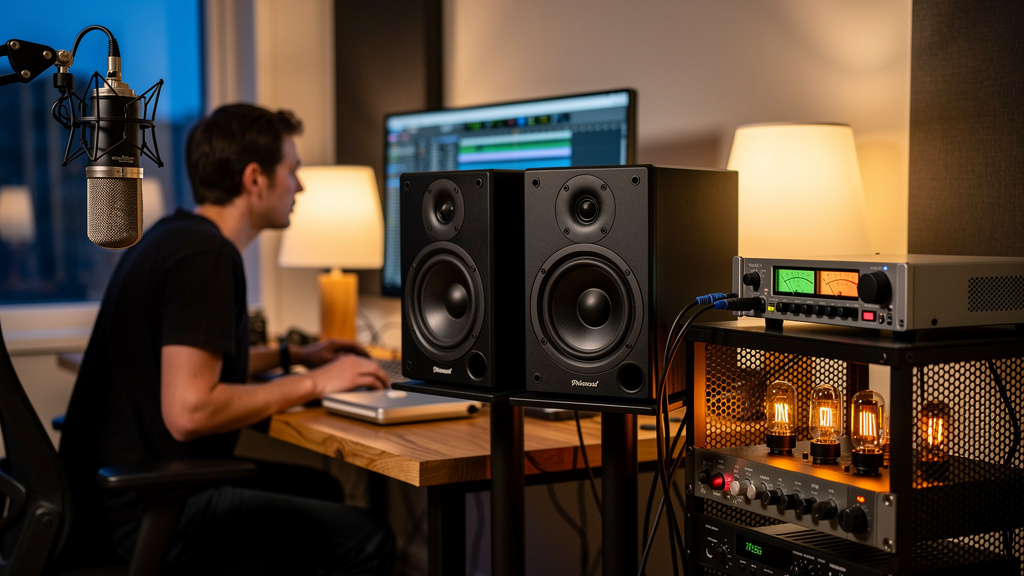
You know the moment. The take is done, the room is quiet, and as soon as you bring the monitors up to check detail, there it is: that steady rushing hiss sitting behind everything. Not a dramatic buzz, not a ground loop, just a fat layer of shhh that makes you lean back, squint, and start wondering whether your preamp, interface, or monitors are simply noisier than they should be. After a while it becomes background stress. You work around it, turn things down, and your ears get tired faster than they should.
Most of the time, that hiss is not your gear “just being gear.” It is a gain structure problem. Somewhere earlier in the chain, the useful signal is too low, and somewhere later, another stage is being asked to make up too much level. The result is simple: you are hearing the noise floor of the wrong device, amplified by everything after it.
That matters because hiss is usually diagnosable. Once you stop treating it like a mystery and start reading it as a level mismatch, the whole system gets easier to fix.
1. Running the source too low and the speakers too high
This is the most common version, and it fools a lot of otherwise solid engineers because the studio still seems “loud enough.” A mic preamp, instrument input, or playback channel feeds the interface at a conservative level, then the monitor controller or speaker gain gets pushed to make the room feel right. You get volume, but not signal quality.
Here is what is really happening: when the signal enters the system weak, the noise floor rides along with it. Later stages cannot tell the difference between wanted audio and unwanted hiss. They only know they were told to turn everything up.
A healthy chain usually sounds clean because each stage hands off a strong, sensible level to the next one. A weak chain sounds noisy because the later stages are doing the heavy lifting. Monitors are especially revealing here. They are not “creating” the hiss so much as exposing a problem upstream.
If your speakers get dramatically hissier as your monitor knob rises, but the recorded material itself arrived at the interface on the low side, that is a huge clue. Before blaming the monitors, look at the level feeding them. In many rooms, simply bringing the earlier stage into its proper operating range and backing down the monitor gain changes the system more than swapping equipment ever will.
2. Mistaking headroom for chronically low recording level
People hear “leave headroom” and turn it into a survival rule: record everything tiny so nothing clips. The intention is good. The result is often bad. Headroom is not the same thing as starving the signal.
With modern interfaces, you do not need to print tracks hot to get clean audio. But you also do not want sources drifting around at timid, unusably low levels while your monitoring path compensates. If a vocal, acoustic guitar, or spoken track comes in far below a sensible working range, you are setting up the rest of the chain to expose noise.
A practical way to think about it:
- The source should leave the mic, DI, or line output with a solid level for the job.
- The preamp or input stage should add enough gain to capture detail without flirting with clipping.
- The monitor path should mostly reflect that level, not rescue it.
That middle point is where many rooms drift off course. Engineers sometimes underdrive the preamp because they are worried about a loud phrase later, then they push headphone amps, monitor sections, or plugin output to compensate. The session feels safe, but the monitor chain gets noisier and less comfortable to work on.
If you have already run into clipping from another angle, this piece on voiceover chain clipping connects nicely with the same broader issue: one badly judged gain stage tends to force ugly decisions everywhere else.
3. Using one device as a permanent makeup-gain machine
Every studio seems to have one box doing too much. It might be the monitor controller, the interface output, a desktop mixer, a headphone amp, or even powered monitors with their rear trims cranked because “that’s how they came alive.” Once one stage becomes the permanent fixer of low level, hiss follows.
The clue is repeatability. If the room only feels right when one specific control lives near the top of its range, that control is probably compensating for a weak handoff before it.
This is not just about noise. It also affects how the system feels when you work:
- Small knob moves make the room jump too much or too little
- Balance changes become harder to judge
- Headphone sends feel disconnected from speaker level
- You second-guess whether a source is noisy or your chain is skewed
Good gain structure tends to make controls behave calmly. You get useful travel on the knob. The room reaches normal listening level without one stage living in panic mode. If a device has to stay cranked for the studio to function, that is usually not a personality trait of the box. It is the trail of a mismatch earlier on.
This is one reason experienced engineers spend time calibrating monitor gain rather than treating the back-panel speaker trim as a volume booster. Set correctly, it gives you margin and predictable control. Set too high, it magnifies the noise floor of everything that feeds it.
4. Confusing self-noise with amplified upstream noise
Yes, every active device has a noise floor. Preamps, converters, monitor amps, speakers—they all contribute something. But the hiss people complain about in small studios is often too loud to be normal self-noise. It is usually upstream noise being amplified into obviousness.
This is where a lot of expensive mistakes happen. A perfectly decent interface or pair of monitors gets blamed because they are the last audible thing in the chain. But last audible does not mean first responsible.
Ask a better question: at what point does the hiss rise faster than the musical signal?
If turning up monitor level makes the hiss leap out before the source feels robust, that suggests a poor signal-to-noise ratio earlier in the path. Likewise, if a microphone source sounds dull and underfed until you pile on gain, the preamp may not be the villain; the mic distance, source level, or gain distribution may be.
A strong signal presented cleanly to a competent preamp and interface rarely turns into aggressive hiss by itself. That is why the “I need quieter preamps” diagnosis is so often premature. Quieter preamps are great, but they do not correct a chain that is fundamentally under-driven at the wrong point.
When studio owners want a more visual way to trace that handoff from source to speakers, Kill the Noise is useful precisely because it organizes the problem as a system instead of another pile of forum opinions.
5. Ignoring monitor calibration and chasing noise at the input
This one catches people because it feels backwards. They hear hiss from the speakers, so they start tweaking mic gain, swapping cables, and comparing preamp specs. Sometimes the real fix starts at the monitoring end: not because the speakers caused the noise, but because poor monitor calibration is exaggerating it enough to dominate your attention.
If the speakers are set far too sensitive for the room, normal listening happens with the monitor control barely cracked open—or worse, the upstream output is kept very low to avoid blasting the room. That setup almost invites hiss because the playback signal stays artificially small while the speaker amp remains eager to magnify whatever it receives.
A better monitoring structure usually has these traits:
- The interface or monitor controller sends a healthy line level during normal work
- The speaker input sensitivity is set so the room reaches a comfortable reference range without extremes
- You have room to turn up or down without one device hitting the top or bottom of its usable range
This is less glamorous than buying new gear, but it is often the point where the noise picture suddenly makes sense. Once the monitor path is calibrated sensibly, you can hear what the input stages are actually doing. Then source-level issues and preamp-level issues become much easier to identify.
What to listen for before you blame the hardware
If you want a quick reality check, stop thinking in terms of “which box is noisy?” and start listening for relationships.
Pay attention to whether the hiss changes with source gain, interface output, monitor control, and speaker trim in proportion to the wanted signal. The pattern tells the story. Noise that rises because one downstream control is compensating for weak upstream level is a gain structure problem. Noise that is present regardless of sensible level relationships is when hardware self-noise becomes a more serious suspect.
That distinction matters because it saves time, money, and trust in your own ears. A lot of home and project studios live with avoidable hiss for months simply because the room is technically working, just not working gracefully.
The good news is that loud hiss is often less mysterious than it sounds. In many cases, you do not need exotic preamps or miracle boxes. You need each stage to hand off a confident signal to the next one so the monitors are reproducing your audio, not magnifying the chain’s insecurity.
When that handoff is right, the change is immediate. The room feels calmer. You can turn the speakers up without that rushing layer arriving first. And long sessions stop feeling like your ears are fighting the studio before the creative work even begins.
Comments (0)
Leave a Comment
No comments yet. Be the first to comment!